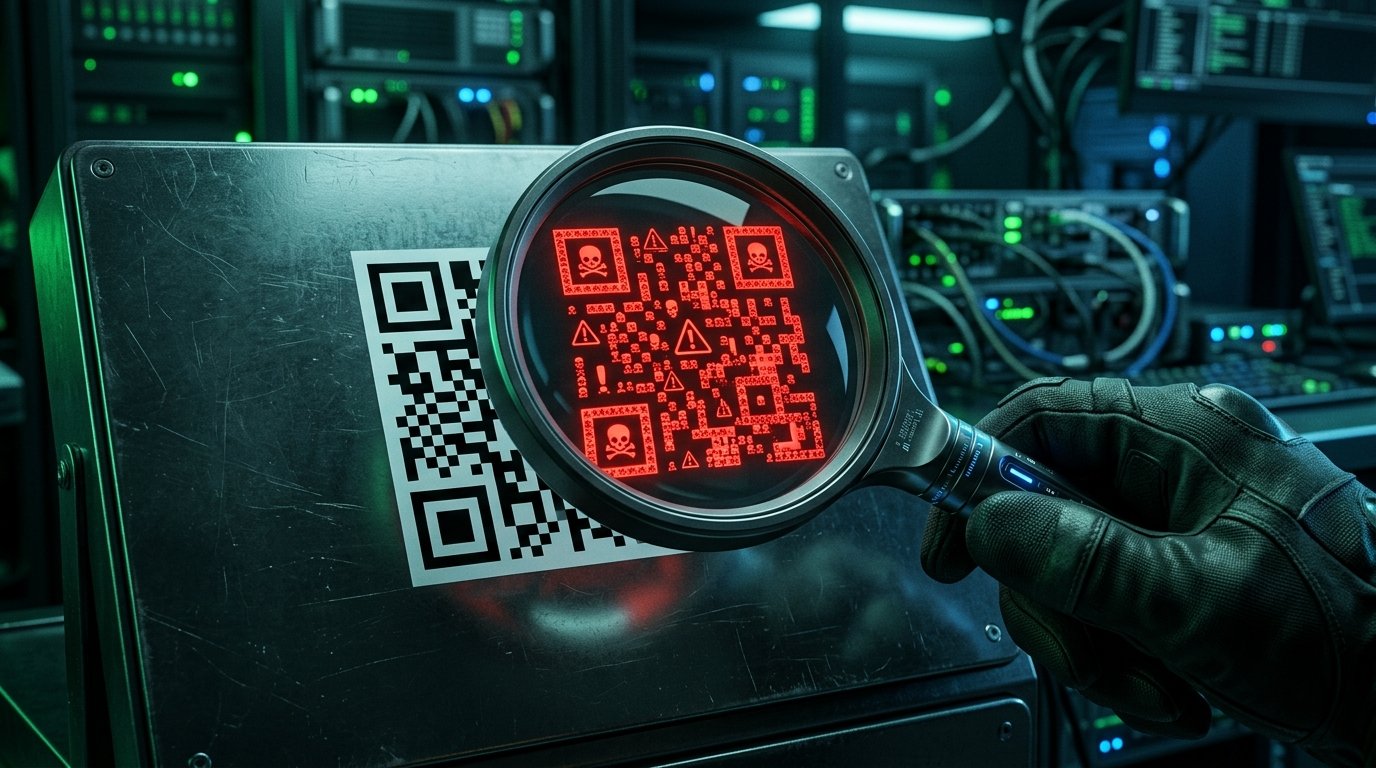
Cybercriminals have found their new battlefield in QR codes. Quishing (QR + Phishing) is the technique where an apparently innocent QR code redirects you to a fake website to steal your credentials or install malware on your device.
How does Quishing work?
The attacker replaces a legitimate QR code (in a restaurant, a bus stop, a corporate email) with a malicious one. When you scan it, you are redirected to a page that mimics your bank, Microsoft 365, or any service you use. In seconds, your data is compromised.
The 5 Golden Rules for scanning QR safely
1. Check the URL before tapping: Most QR readers show the destination URL before opening it. If you don't recognize the domain, don't proceed.
2. Be wary of altered physical QRs: In public spaces, attackers can stick a sticker with a fake QR over the original.
3. Never enter credentials after scanning a QR: Banks and legitimate services won't ask for your password this way.
4. Use apps with anti-Quishing protection: Kaspersky QR Scanner and Trend Micro analyze the URL before opening it.
5. Keep your OS updated: Security patches close the vulnerabilities that QR malware exploits.
Recommended tools
For Android and iOS, Kaspersky QR Scanner verifies in real time if the QR URL is malicious. Trend Micro Mobile Security adds an extra layer of protection. If you use QR in your company, consider a dynamic QR service with analytics to detect suspicious access.
Want to know what type of QR you should use for your business? Discover the differences in our guide: Static QR vs Dynamic QR: Which does your business need?
Generate secure QR codes for your business. Our dynamic QRs include protection and real-time scan statistics.
Generate Secure QR